
Integrations
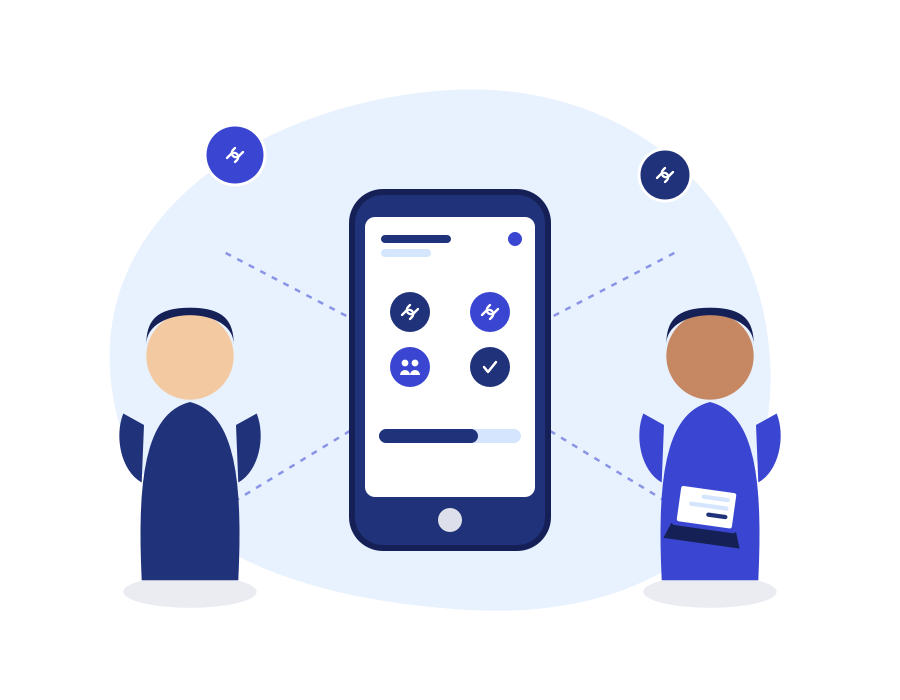
Your phone system shouldn’t be an island. TopVOIP Integrations connect your calls, texts, and faxes to the CRM, helpdesk, and scheduling tools your team already relies on — so call activity shows up where your team is already working, automatically.
Key Features
-
- CRM Connections — Call and message activity can be logged automatically against the right customer record.
- Helpdesk Sync — Route calls and messages into existing support ticket workflows.
- Calendar Integration — Tie scheduling tools into call routing and appointment reminders.
- Dialplan-Level Routing — Integrations plug directly into your call routing logic, not a bolt-on layer.
- Automated Email Notifications — Email templates keep relevant staff informed as activity happens.
- Number Translation — Ensures caller and contact data lines up correctly across connected systems.
Why Businesses Choose TopVOIP Integrations
-
- Less manual data entry — call and message details flow into existing systems automatically.
- Faster response times — support and sales teams see call context without switching tabs.
- Works with tools you already use — connects to popular CRM, helpdesk, and calendar platforms.
- Set up once, benefit continuously — integrations run in the background with no ongoing manual work.
How It Works
-
- Discovery — We identify which CRM, helpdesk, or calendar tools your team relies on today.
- Connection — Call, SMS, and fax activity is linked to the relevant records and workflows.
- Verification — We confirm data is flowing correctly before your team relies on it day to day.
Connect Your Phone System to the Tools You Already Use
Stop copying call details by hand — let your systems talk to each other.
FAQ's
Which CRMs and tools can TopVoip integrate with?
TopVoip connects with a range of popular CRM, helpdesk, and calendar platforms — a specialist can confirm compatibility with your specific tools.
Will this require our IT team to do extra setup?
Most integrations are configured on the TopVoip side; any access your IT team needs to grant is outlined clearly during setup.
What happens if we switch CRMs later?
Integrations can be reconfigured to point to a new platform without affecting your underlying phone system.