
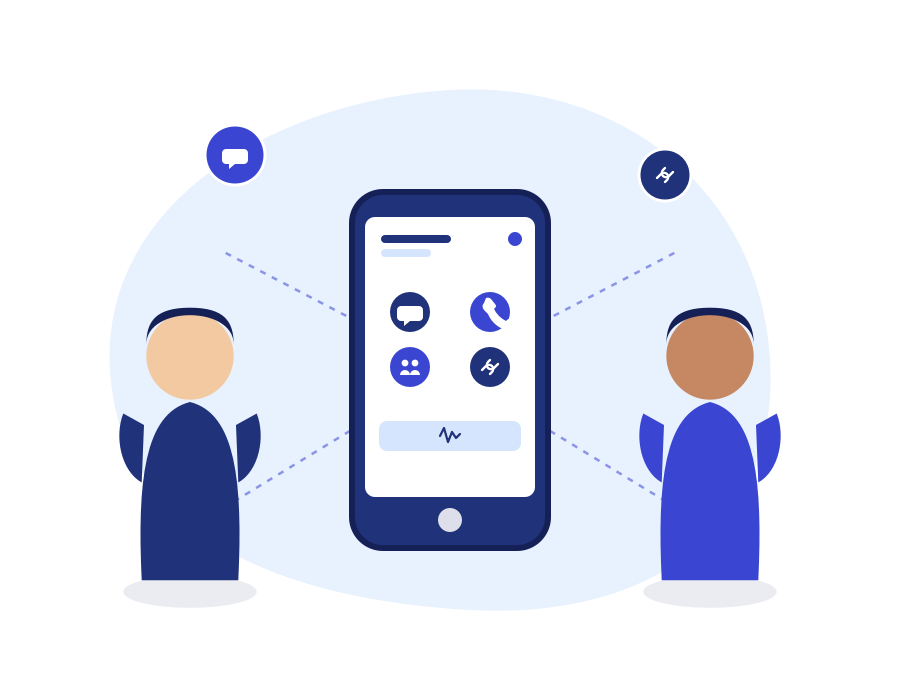
Unified Communications
Voice, messaging, and collaboration shouldn’t live in separate apps. TopVoip Unified
Communications (UC) brings every way your team talks to customers and to each other into one seamless platform — so nothing gets lost switching between tools.
Key Features
-
- One Platform, Every Channel — Voice, SMS, and fax connect through the same system and the same business number.
- Presence & BLF — See at a glance who’s on a call, available, or away before you transfer.
- Shared Contacts — One contact list across the whole organization, always up to date.
- Smart Dashboard — A single view of calls, messages, and system activity in real time.
- Extension Paging & Intercom — Reach a colleague instantly without picking up the phone.
- Centralized Notifications — Missed calls, voicemails, and messages land wherever your team already works.
- User & Activity Logs — Full visibility into how the system is used across departments.
Why Businesses Choose TopVOIP Unified Communications
-
- Fewer tools, less friction — your team stops juggling separate apps for calls and texts.
- Faster internal handoffs — presence and paging cut down on “are you free?” back-and-forth.
- Consistent customer experience — every channel ties back to the same number and history.
- Grows with you — add departments, locations, or channels without rebuilding your setup.
How It Works
-
- Assessment — We review how your team currently communicates across departments and tools.
- Unification — Voice, SMS, and fax are connected under one number and one dashboard.
- Training & rollout — Your team is walked through presence, paging, and the shared inbox.
Bring Every Conversation Into One Place
See how Unified Communications simplifies the way your team connects — with a live walkthrough.
FAQ's
Does this replace our phone system, or sit on top of it?
Unified Communications is built on top of your TopVoip Hosted PBX — it’s the layer that ties voice, messaging, and collaboration together, not a separate system to manage.
Can remote and in-office staff use it the same way?
Yes — presence, paging, and the shared dashboard work identically whether someone is at a desk phone or on a laptop across the country.
Will we lose message history if we switch tools?
No — messages, call logs, and voicemails stay attached to your business number and are visible in the Smart Dashboard going forward.